
Bendy scripts Controls
Standard Roblox movement plus click-to-equip walls. No stealth key, no sprint stat.
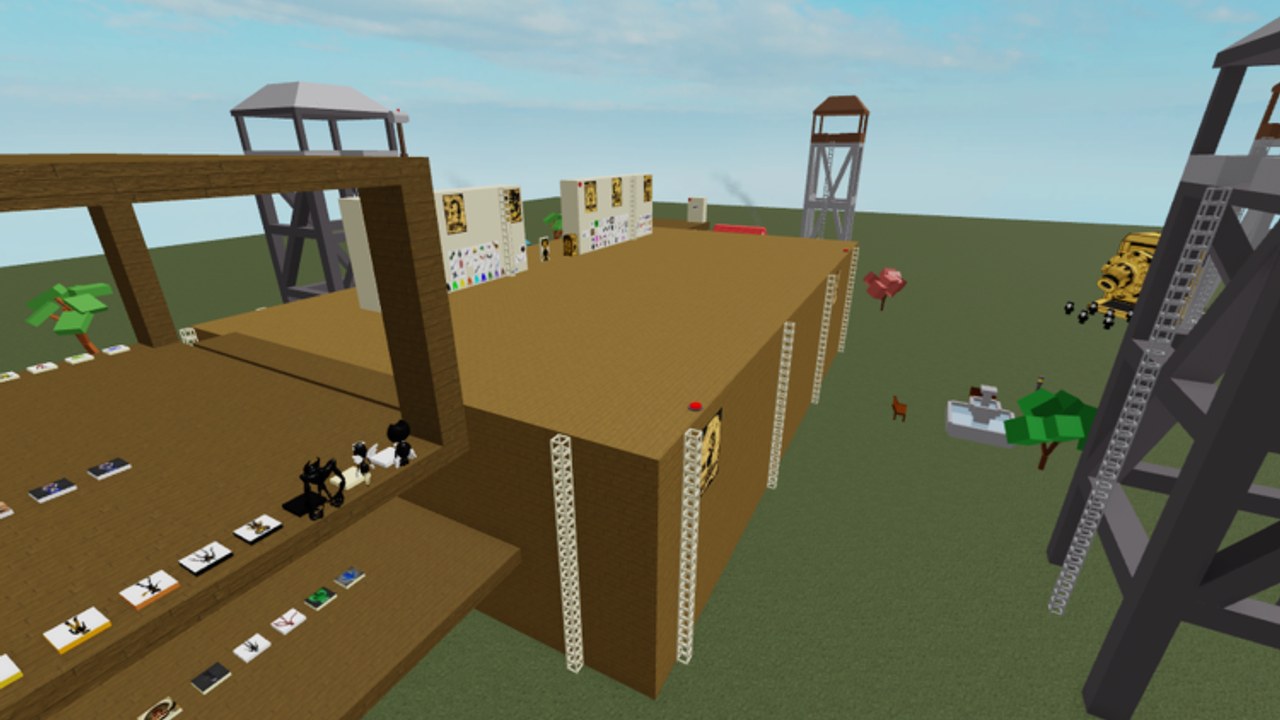
Bendy scripts does not ship a custom control scheme. If you can walk in any Roblox experience, you can walk here. The skill is aiming at tiny wall icons, not learning a new key.
This page sits between getting started and how to play. Ability buttons for named kits are kit-specific; we point those at the moveset picker instead of pretending every pad uses 1-4.
PC (keyboard and mouse)
| Action | Default |
|---|---|
| Move | W A S D |
| Jump | Space |
| Camera | Right mouse, or Shift lock if you enabled it in Roblox settings |
| Equip wall / pad | Left click the icon or pad |
| Use gear | Left click, or the tool’s own key |
| Reset character | Esc → Reset, or the Reset keybind you set |
| Chat | / — chat is not a code box |
Shift lock helps on the white boards because your click ray stays centered. It hurts on the wooden deck when morphs clip the camera; toggle it off near Ink Demon bodies.
Mobile
| Action | Default |
|---|---|
| Move | Left thumb stick |
| Jump | Jump button |
| Camera | Drag the right side of the screen |
| Equip | Tap the icon |
Pinch-zoom the walls. If taps miss, use floor pads first — larger targets, same morphs. More mobile notes on mobile scripts.
Gamepad / console
Movement is the left stick, jump is A / Cross, camera is the right stick. Interact uses the Roblox default interact button on a highlighted pad. Console cannot run executor scripts. Wall pads still work. If you came here for paste Lua, you need PC or a phone injector, documented on how to execute.
Moveset buttons
Once a named kit is equipped, extra keys appear. Showcases mention on-screen labels for Road Rogue and two stances for Jester. There is no universal numpad. Treat the first session as a sandbox: click pad, press 1-4 and M1, reset if nothing happens, try the next pad. Record your own notes; Drecktharx does not ship a pause-menu moves list.
Camera problems
- Stuck in a morph head: zoom out, walk to grass. The map has open space east of the block.
- Cannot see icons: raise graphics just enough to sharpen UI; the lot is low-poly so this is cheap.
- Ragdolled: wait or reset. Some gears and Admin tools knock you down on purpose. PvP covers getting up under bomb spam.
Pad-click troubleshooting (input side)
If the wall “does nothing,” the failure is usually the click ray, not a locked pad.
- PC: you are clicking a poster on the brown wood, not an icon on the cream grid. Zoom until you see pixel edges, then left click once and wait.
- Mobile: the tap target is smaller than your thumb. Pinch in, tap, lift. Do not slide — a slide is a camera drag.
- Gamepad: you need the highlight prompt on the pad itself. Waving the stick at the wall from ten studs away will not equip Server Admin.
Floor pads on the wooden deck exist for this problem. Use them, then graduate to the white boards.
First-hour camera mistakes
New players enable Shift lock, walk onto the deck as Ink Demon, and then cannot see the jump button. Toggle Shift lock off near giant heads. Zoom out on grass before you duel. If the camera is inside a morph mesh, walk east of the brown block — the map grass lane is there on purpose.
Chat (/) is not a redeem box. There are no official promo codes; typing words in chat will not grant bombs. See the codes hub if that is why you opened controls.
Reset, drop, or hop
Reset is the intended “wrong kit” button. Dropping a gear from the backpack is slower and still leaves you on the deck. Hopping servers is for injector kill-alls and full 12-player pile-ins, not for a missed click. Do not reset in the middle of someone else’s screenshot unless you like being Brazil’d as you load in.
Related pages
Getting started, how to play, how to get scripts, map, PvP. For click targets, wall scripts.
Frequently Asked Questions
Quick answers to the most common questions.
Is there a sprint key?
No dedicated sprint stat. Some movesets add speed as an ability. Default movement is normal Roblox walk.
How do I drop a gear?
Unequip it from the backpack or reset. Reset is faster and is the intended “try another pad” flow.
Why do my R15 animations look wrong?
The universe morphs you to R6. Cosmetic R15 bundles will not play correctly.
Can I rebind abilities?
Only through Roblox’s own keybind menu for core movement. Kit abilities follow whatever the pad script bound.
Why does tapping the wall move my camera instead of equipping?
You slid. Lift the finger. Pinch-zoom first so the icon fills more of the screen, then tap once.